
Highmark SSH
A full SSH terminal for Meta Quest. Because sometimes you need to fix production from inside VR.
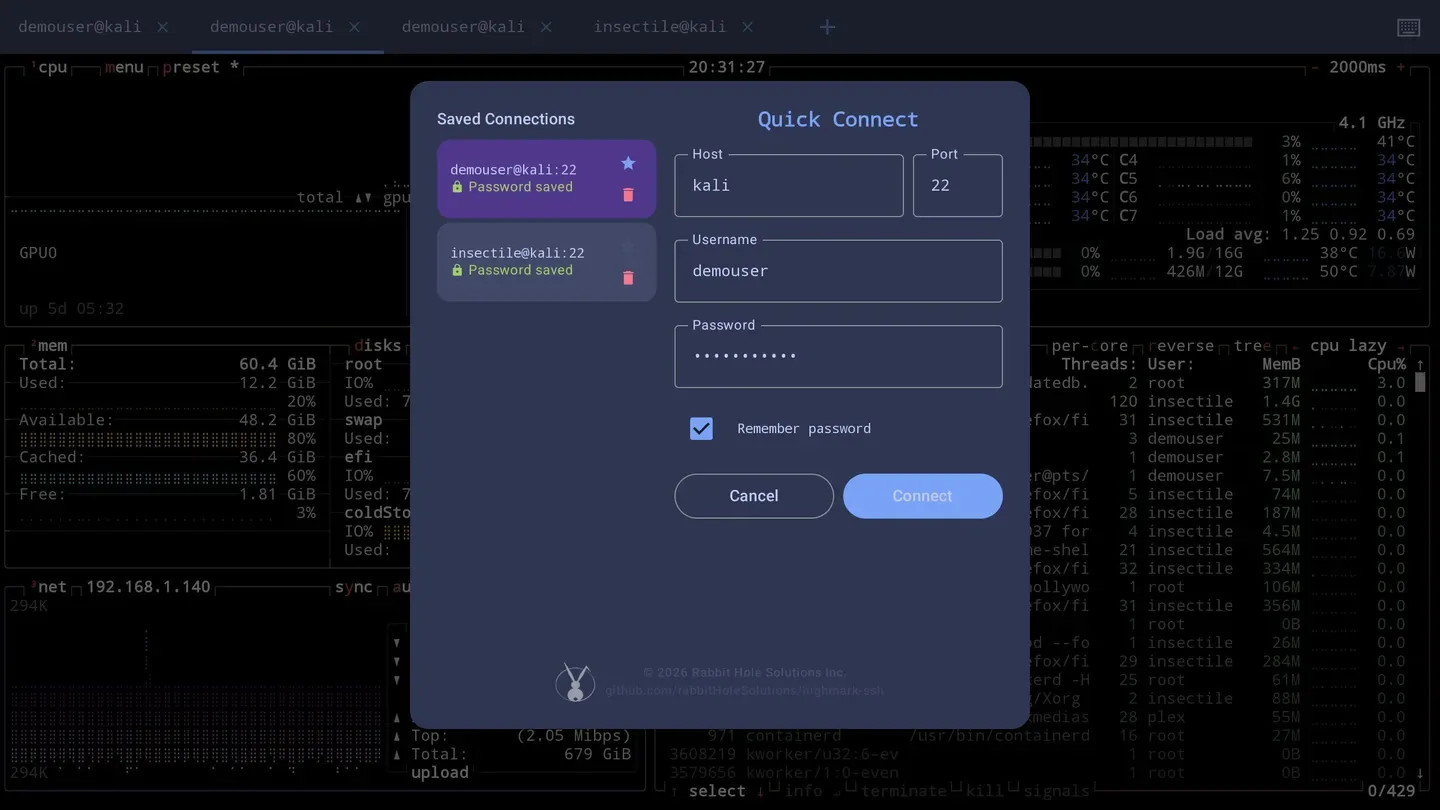
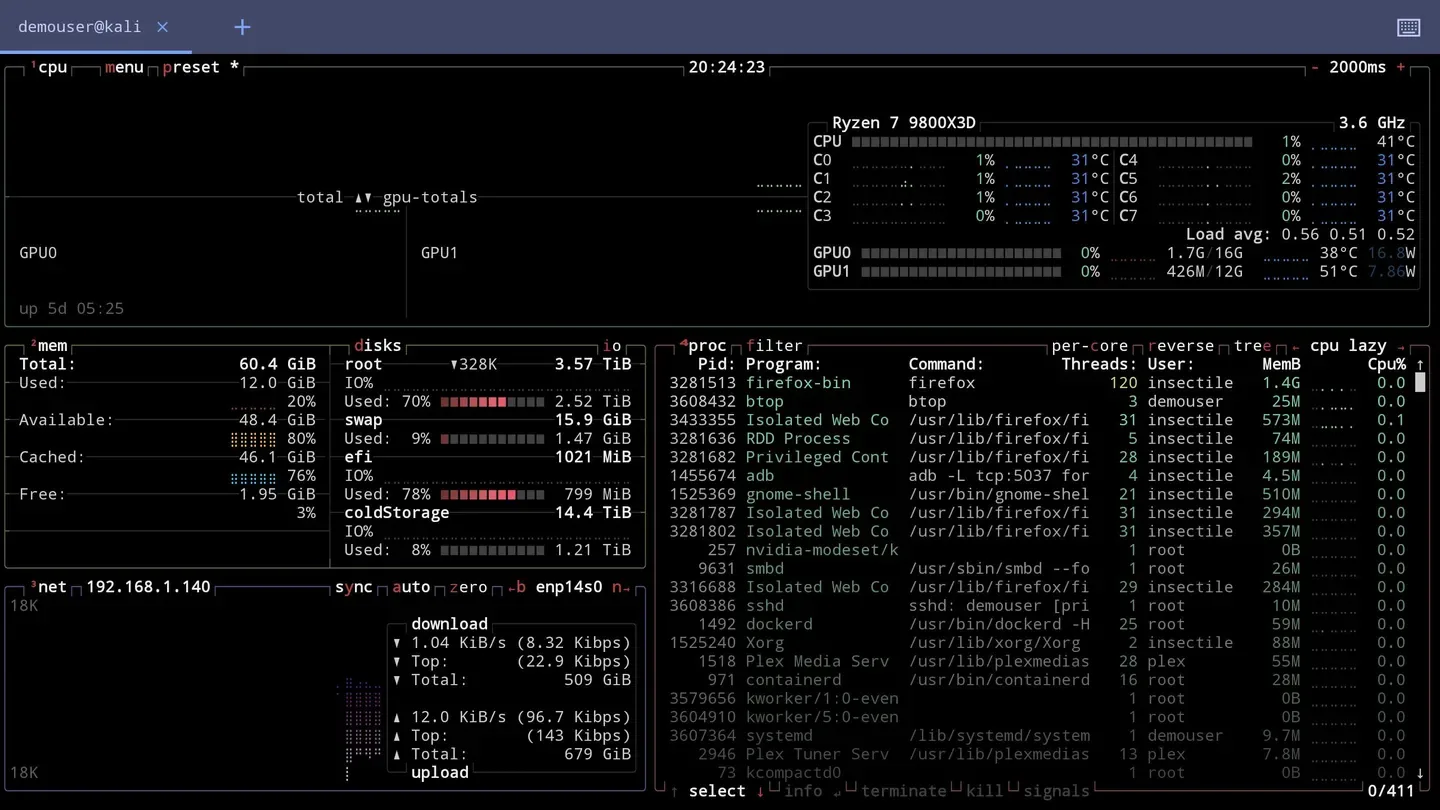
A real terminal, running natively on the headset. Not a remote desktop, not a browser tab pretending — an SSH client with proper VT-100 emulation, so htop, vim and tmux behave the way they do everywhere else.
It exists because the alternative was taking the headset off.
What it does
- Native SSH with full VT-100 compatible terminal emulation
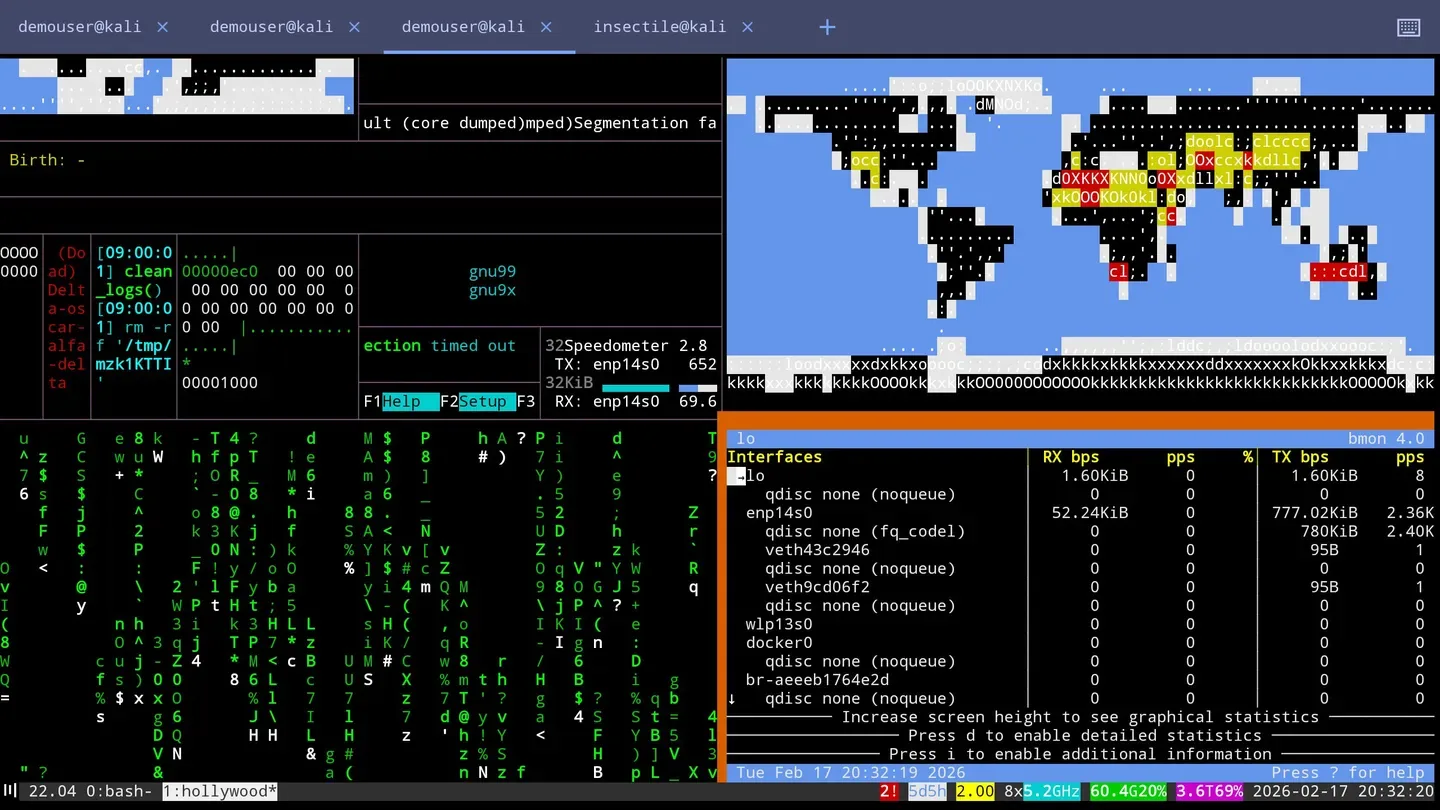
- Multi-tab sessions — several servers open at once
- Connection history for the last eight hosts, plus starred favourites kept permanently
- Paste
user@host:portand the fields fill themselves in - Controller scrolling, Quest keyboard integration and an edge-to-edge panel
A real terminal, not an approximation
The emulation is the Termux project's, which is the same engine behind the most-used terminal on Android. Curses applications, 256-colour output, alternate screen buffers, mouse reporting and tmux splits all behave as they should — the failure mode of lesser clients is that vim looks fine until something redraws.
Credentials and host keys
Saved passwords are encrypted with AES-256-GCM via the Android Keystore, which is hardware-backed on Quest — the key material never leaves the secure element, and remembering a password is per-connection rather than all-or-nothing.
Host verification is trust-on-first-use: you're shown the fingerprint, you accept it, and if it ever changes afterwards you get warned rather than silently connected to something else.
Sessions are terminated properly on disconnect rather than left hanging, and each connection decides for itself whether its password is remembered — so a throwaway box and your production jump host don't have to be treated the same way.
Open source
The source is public and the app's own code is MIT licensed. The terminal emulation comes from the Termux project's terminal-emulator library, which is GPL v3, so that component carries its own terms — both are spelled out in the repository's LICENSE file.
If you'd rather build it yourself than buy it, that's the point of publishing it: clone the repository, build the APK, and sideload it over ADB with developer mode enabled on the headset. Buying it on the store just saves you the trouble and funds the next one.
Requirements
- Headset
- Meta Quest 2, Quest Pro, Quest 3, Quest 3S
- Minimum OS
- Android 10 (API 29)
- Display
- 2D panel mode, landscape
- Network
- Required — it's an SSH client